Home Blog Productivity Tips
Accounting Firm Apr 13, 2023 8 min read

10 Productivity Tips That CAOA Users
Actually Use

Accounting Practice Management Software � top tricks and tips for your team to maximize efficiency and stay ahead.

10 Actionable Tips Instant Apply User Verified

Accounting Practice Management Software:
Top Tricks and Tips for Your Team

When it comes to running an accounting firm, the key to success is productivity. You need to be able to manage competing client priorities, onboard new staff, and standardize your processes while still keeping up with your work. And sometimes, you need a spark of inspiration to help you refocus your productivity levels.

That's where our users come in. They've found ways to use Accountants Practice Management Software that allows them to always keep up their productivity level. We'll share 10 of those tips with you in this blog post!

Here you go � continue reading to find ten ways our users make CAOA work better for their needs and how it helps improve productivity with the help of Accounting Practice Management Software.

Click any tip below to expand for more details.
1
Automate your time-consuming tasks
Many accounting tasks can be automated, from invoicing to payments to expense reports. By automating these tasks, you can free up your time to focus on more important things.
How CAOA helps: Set up auto-recurrence for repeating tasks, auto-assign workflows, and automatic email/SMS notifications � so the system runs your routine work for you.
2
Use templates
Templates can be a great way to standardize your processes and save time. CAOA comes with various built-in templates that you can use for everything from client onboarding to project management.
How CAOA helps: Task templates, invoice templates, document checklist templates � build once, reuse forever. Cut onboarding time by up to 60%.
3
Stay organized
A well-organized accounting firm is a productive accounting firm. CAOA software helps you stay organized by keeping all of your client's information in one place.
How CAOA helps: Centralized client database, document tagging, service-wise task organization � everything in one unified dashboard.
4
Communicate with your team
Effective communication is essential for any constructive team. CAOA software includes team chats to help you stay connected with your team.
How CAOA helps: Internal messaging, task-level comments, notification rules, and client login portals keep everyone aligned � no WhatsApp groups needed.
5
Set goals
Setting goals is a great way to stay on track and motivated. CAOA software can help you set and track your goals to see your progress over time.
How CAOA helps: Target vs. actual margin reports, completion rate analytics, and department-wise performance dashboards make goal tracking effortless.
Related Article
Some Good Reasons You Need Real-Time Accounting at Your Accounting Firm
Read Article
6
Manage Documents
CAOA's document management features help keep all your firm's documents organized and easy to find, so you spend less time searching and more time working.
How CAOA helps: Physical + digital document management, inward/outward tracking, client-shared folders, and document tagging � go completely paperless in days.
7
Get feedback
Getting feedback from clients and colleagues is essential for any accounting firm's productivity. CAOA software includes client feedback and performance reviews to help you get the feedback you need.
How CAOA helps: Client login portals let clients review and respond to work directly. Auto-report delivery keeps clients informed and gives you instant feedback loops.
8
Be flexible
Flexibility is vital when it comes to productivity. CAOA software includes custom reports and dashboards that allow you to tailor your accounting firm's productivity tools to your specific needs.
How CAOA helps: Fully customizable role-based access, configurable workflows, multi-currency support, and flexible report builder adapt CAOA to any firm structure.
9
Train your team
A well-trained team is a productive team. CAOA software includes various training materials, like online courses and manuals, to help you train your team effectively.
How CAOA helps: CAOA assigns a dedicated product expert for the first 15 days. Video tutorials, online help, and offline PDF guides are always available.
10
Keep up with technology
Technology changes quickly, and it's essential to keep up with the latest trends to be productive. CAOA software includes features like automatic updates and mobile apps to access tools anywhere.
How CAOA helps: Cloud-hosted on Microsoft Azure with automatic updates, a full-featured mobile app, and API integrations � your firm stays current without any effort.
Related Article
How Will Automation and Artificial Intelligence Affect the Accounting Industry
Read Article

We hope you find these tips helpful! If you have any other productivity tips, please share them with us in the comments below.

And be sure to check out CA Office Automation software � CA Office Automation (CAOA) is an industry-leading ERP-based accounting practice management software. We offer a wide range of features that help CPAs & Accounting Businesses manage their office workflow, finances, & clients more efficiently.

"Productivity at accounting firms can be a real challenge � but it's important always to keep up the level so your business can succeed." Thanks for reading!

Loved by Accounting Firms Worldwide

Join thousands of CAs and accounting professionals who have transformed their practice with CAOA.

"Hearty congratulations to the team at CA Office Automation for an excellent job! We've been trying to put together a functional Office Automation system for the last three years. They've worked closely with us throughout the process, staying on task, on target, and on budget. I highly recommend their service!"

FK
Felix K Kimoli
MGI Alekim LLP, Kenya

"For the last few months we are using CAOA's White Label solution. They have a very good support team that will work on your account and within a short span of time, you'll be up and running. The user experience & security solutions of this software are in the major spotlight."

SS
CPA Simon Cheung
Director, CPA Global Hongkong

"We thank the CAOA team for the wonderful job they are doing in helping us develop our internal control system. Everyone has been professional, excellent and hard-working. Thanks to them, we were able to achieve our goal on time. We look forward to continuing working with them."

A
CPA Pankaj Mankani
RVG Accountants, Dubai, UAE
Insights & Updates

Latest from Our Blog

Stay updated with the latest in AI, accounting automation, and practice management.

AI Security AI Security
May 2026 6 min read

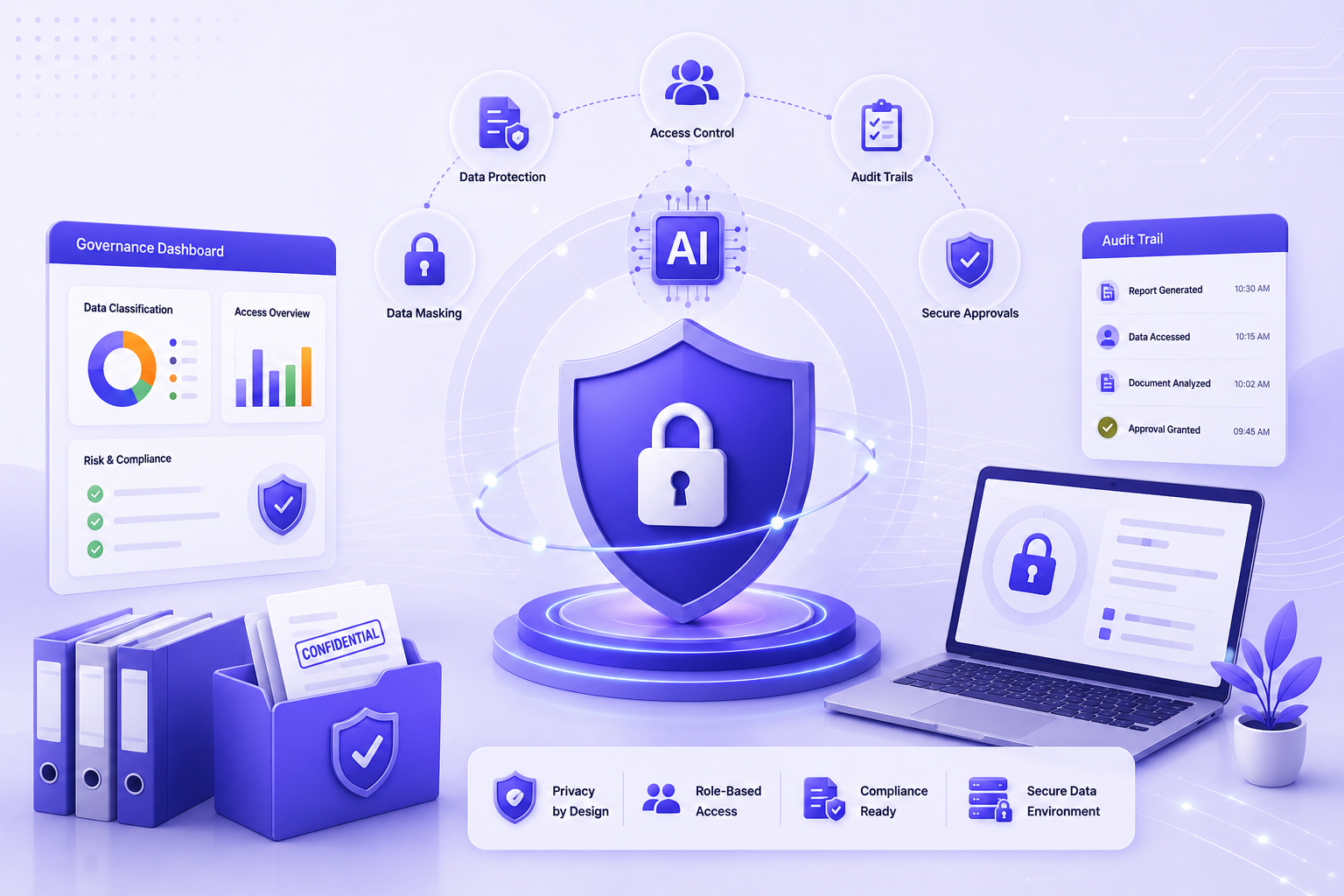
The Governance of Intelligence: Protecting Sensitive Financial Data in the Agentic Era

As AI becomes deeply embedded in accounting workflows, trust has become the new professional currency. Discover how strong governance frameworks protect your sensitive financial data and build lasting client confidence.

Read Article
Agentic AI Agentic AI
Apr 20, 2026 5 min read

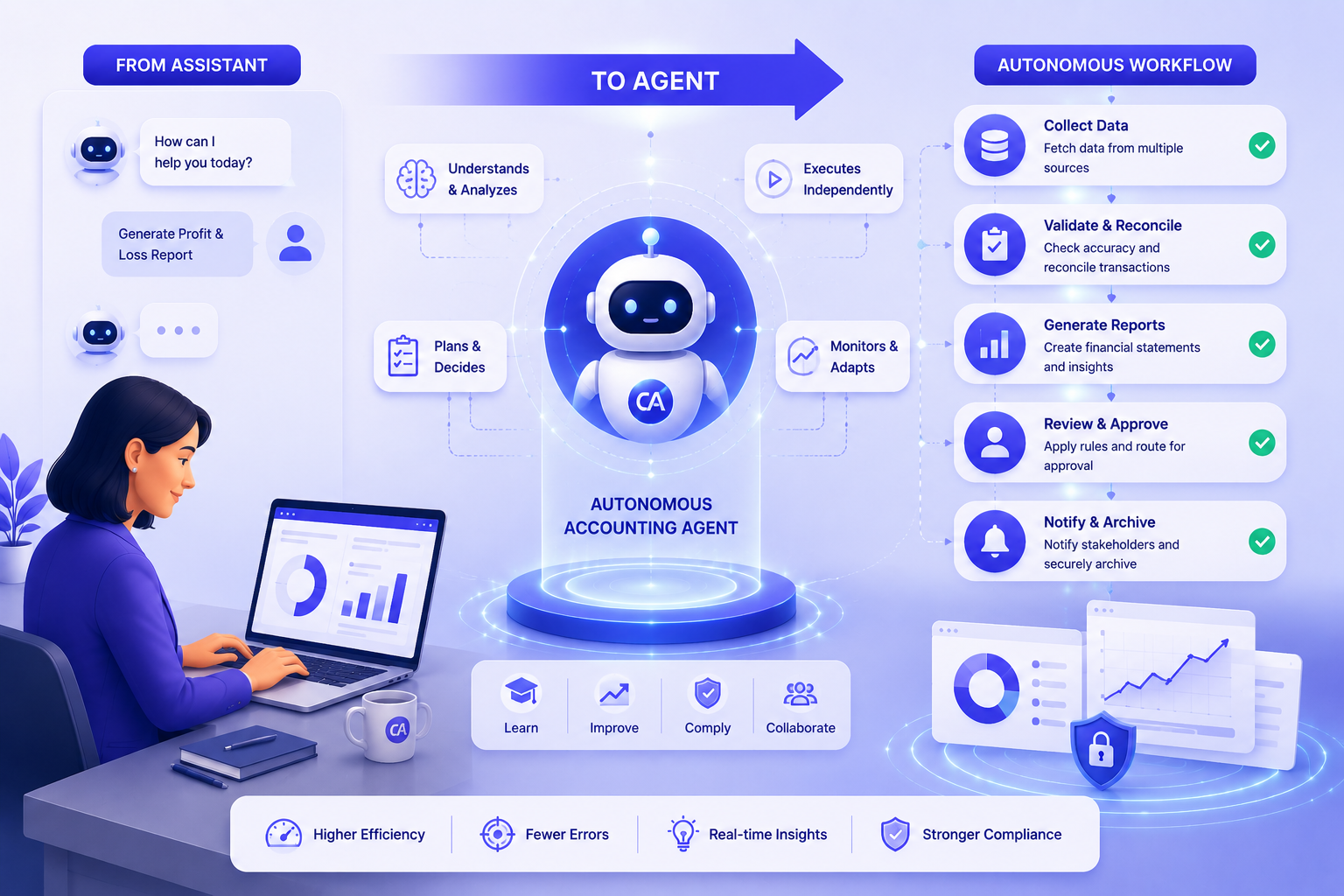
From Assistant to Agent: Designing Your First Autonomous Accounting Workflow

By 2026, AI has evolved from a support tool to autonomous agents that initiate actions, monitor workflows, and execute tasks independently � enabling accounting firms to operate at a whole new level of efficiency.

Read Article
AI Automation AI Automation
Mar 11, 2025 7 min read

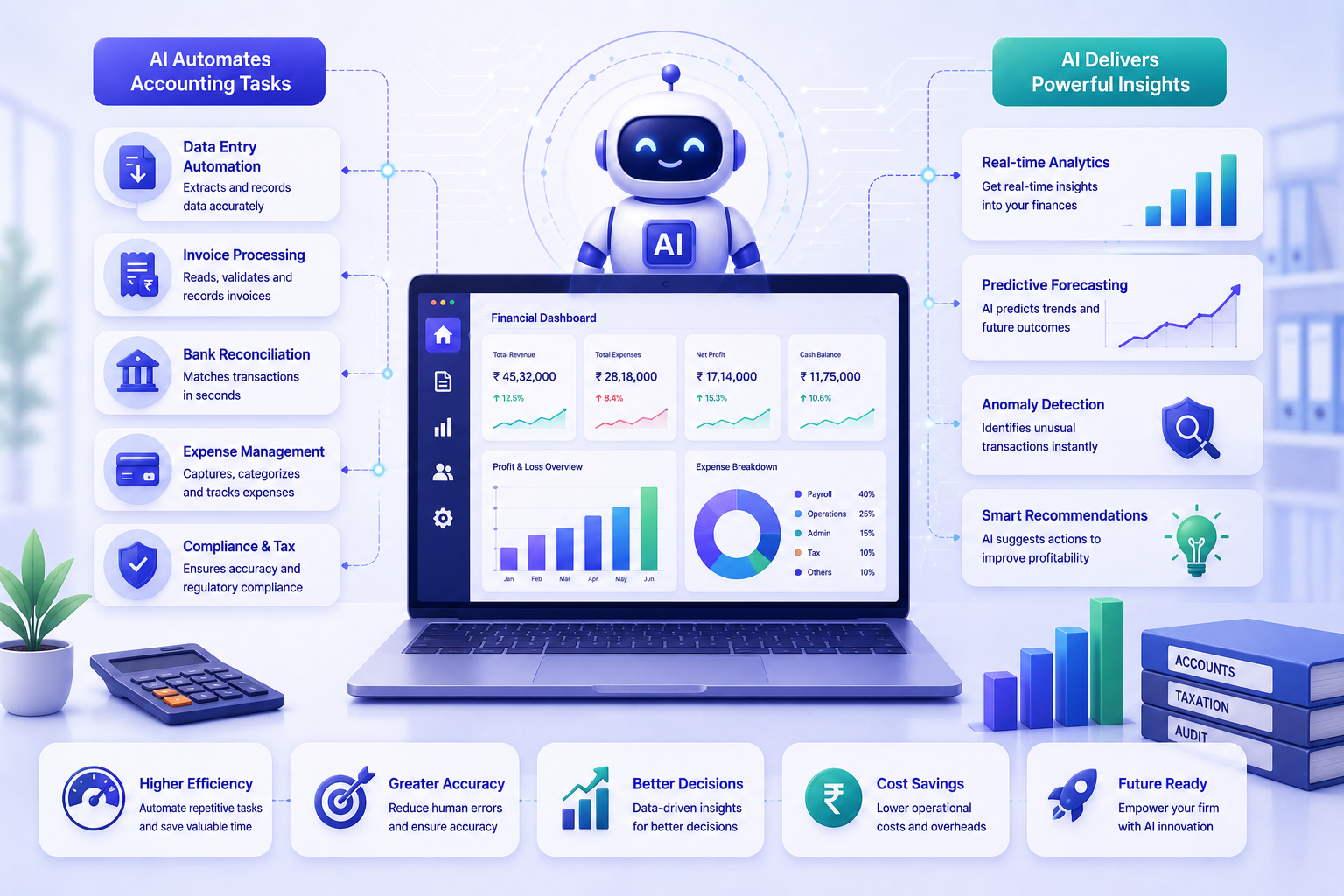
Role of AI in Accountancy: How AI is Revolutionizing Automation in the Accounting Field

Artificial Intelligence is transforming the accounting profession by automating repetitive tasks, providing deep financial insights, and empowering professionals to work smarter and more efficiently than ever before.

Read Article
Start Today

Ready to Put These Tips
Into Practice?

See all 10 productivity tips in action with a live demo of CAOA. Our experts will show you exactly how to implement each one in your firm.