Manage & track every financial activity for multiple clients invoices, transactions, ledgers, and multi-currency payments, all in one place.
Watch the full Account Management Module walkthrough from CA Office Automation.
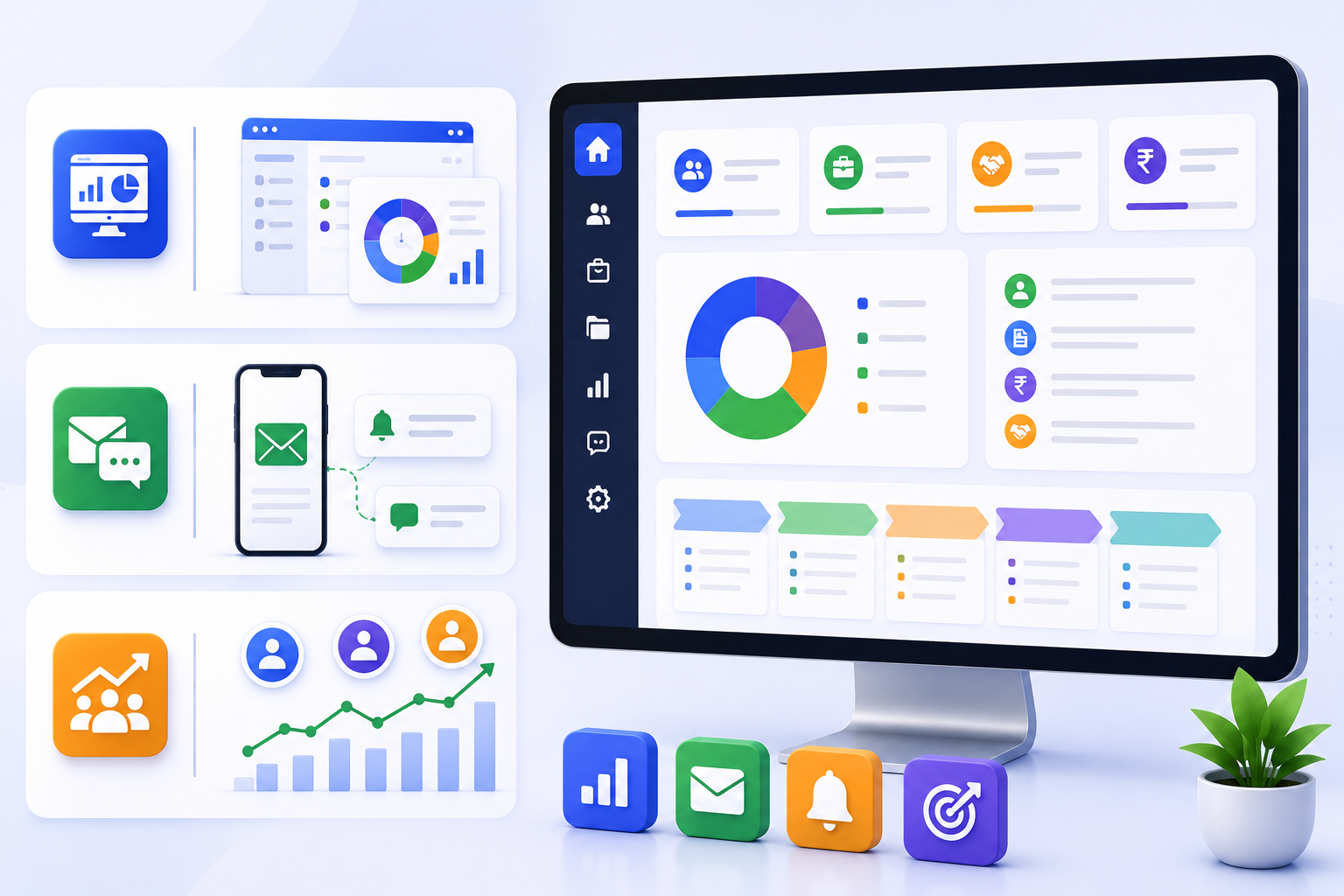
A single dashboard gives you complete visibility of all client information, ongoing projects, and deals in one place eliminating the need to switch between multiple systems.
Automated SMS and Email notifications keep clients and your team updated on project status and transactions reducing manual follow-ups and improving client relationships.
Track project status, view ongoing deals, and keep your sales team motivated with real-time visibility into account activities driving better performance and results.
Four core capabilities that make managing your firm's client accounts effortless, accurate, and always in control.
Manage multiple client accounts and company-wise invoice management from a single, unified dashboard.
Keep track of client transactions, invoices, and payment receipts every entry logged and always up to date.
Collect online payment against invoices in multiple currencies ideal for firms serving international clients.
View and send the client ledger with a single click complete transaction details delivered instantly to your client.
Nine powerful features that give you complete control over every financial activity for all your clients.
See, take printouts, and notify clients about pending invoices ensuring no invoice is missed and clients are always kept informed about outstanding dues.
Create a receipt against an invoice and send it to the client instantly. Maintain a clean, verified record of every payment received across all client accounts.
The pending invoice list gives you complete details of all outstanding invoices helping you follow up proactively and improve your firm's cash flow management.
Get to know about the estimated cost of a particular task track margins across services and clients to make informed decisions about profitability and pricing.
Manage and record daily expenses and deposits of multiple clients with ease keeping petty cash transactions organized, transparent, and always reconciled.
Generate tax invoices for any services you provide to the client create professional proforma invoices quickly and share them with clients in just a few clicks.
Generate the client ledger with all transaction details of any client in one click a complete financial history ready to view, download, or share with your client instantly.
Add reimbursement against services directly to the invoices streamlining the billing process and ensuring all reimbursable expenses are accurately captured and billed.
Manage multiple client transactions in multiple currencies with a complete, searchable log of every financial movement across all client accounts and service categories.
"Hearty congratulations to the team at CA Office Automation for an excellent job! We've been trying to put together a functional Office Automation system for the last three years. They've worked closely with us throughout the process, staying on task, on target, and on budget. I highly recommend their service!"
"For the last few months we are using CAOA's White Label solution. They have a very good support team that will work on your account and within a short span of time, you'll be up and running. The user experience & security solutions of this software are in the major spotlight."
"We thank the CAOA team for the wonderful job they are doing in helping us develop our internal control system. Everyone has been professional, excellent and hard-working. Thanks to them, we were able to achieve our goal on time. We look forward to continuing working with them."
Stay updated with the latest in AI, accounting automation, and practice management.
As AI becomes deeply embedded in accounting workflows, trust has become the new professional currency. Discover how strong governance frameworks protect your sensitive financial data and build lasting client confidence.
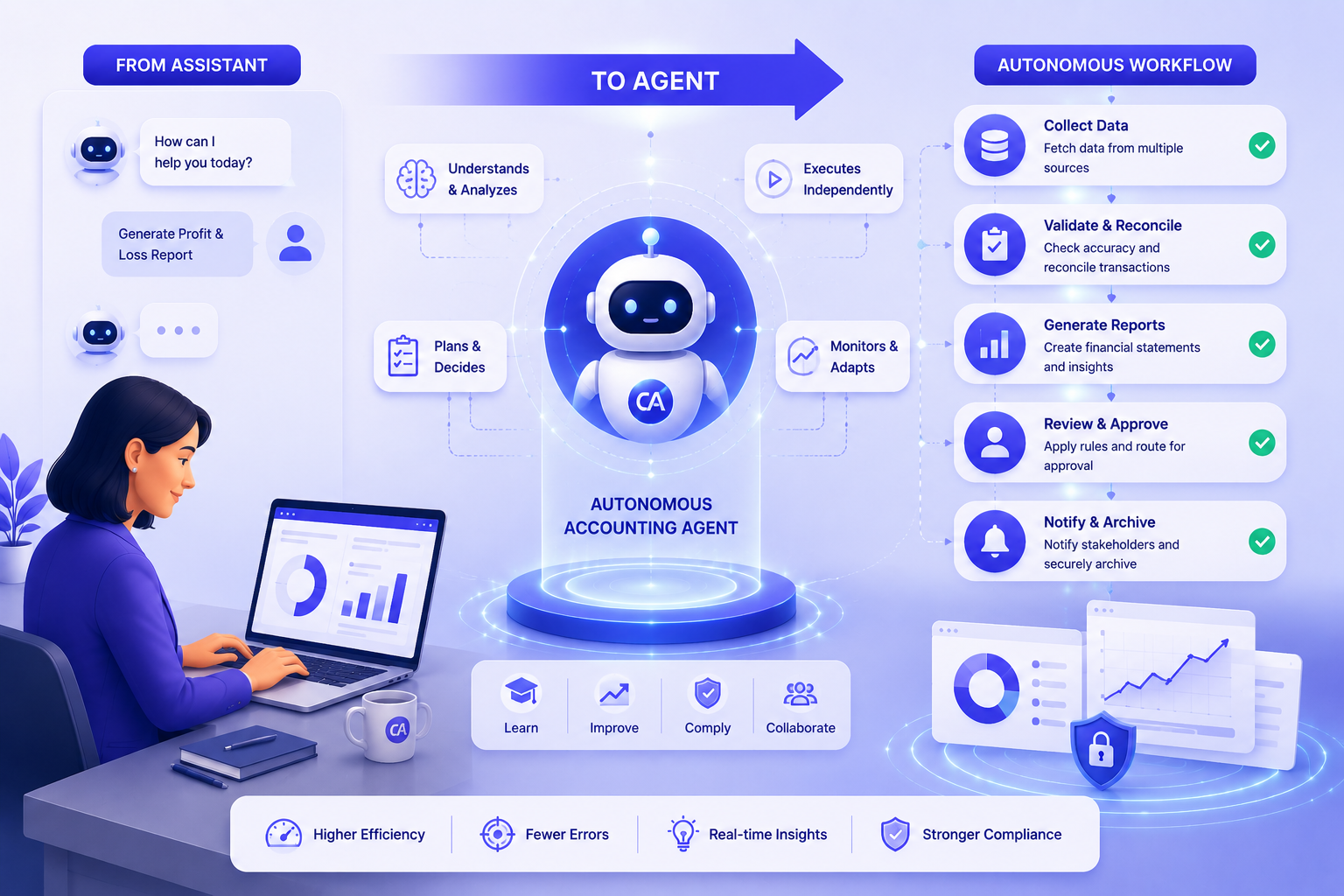
By 2026, AI has evolved from a support tool to autonomous agents that initiate actions, monitor workflows, and execute tasks independently — enabling accounting firms to operate at a whole new level of efficiency.
Artificial Intelligence is transforming the accounting profession by automating repetitive tasks, providing deep financial insights, and empowering professionals to work smarter and more efficiently than ever before.
What accounting firms ask before using CAOA for invoicing, billing, and financial tracking.
CAOA Account Management generates professional invoices with auto-incremented numbering (e.g. INV-1089), supports proforma invoices, recurring billing schedules, multi-currency billing, GST/VAT calculation, and credit notes. Invoices can be sent directly to clients via email or through the client portal, where clients can view, download, and acknowledge receipt. Payment status (draft, sent, paid, overdue) is tracked in real time and visible on the billing dashboard.
Yes. You can set a default currency per client and issue invoices in INR, USD, GBP, AED, SGD, HKD, KES, or any other currency you need. Exchange rates can be fixed at the time of invoice creation or set to auto-update. Multi-currency invoices are consolidated into your base currency for reporting purposes, so your P&L and outstanding receivables reports always show a single-currency total.
When team members log time against tasks in the Task Management module, those hours are automatically visible in the Account Management module as billable units. You can set a billing rate per team member, per client, or per service type. At billing time, CAOA pre-fills the invoice with all unbilled hours for that client in the selected period — you review, adjust if needed, and send. No manual timesheet reconciliation required.
Yes. The Accounts Receivable dashboard shows every outstanding invoice with its age (0-30, 31-60, 61-90+ days). You can configure CAOA to send automated payment reminders to clients at set intervals — for example, 7 days after issue and on the due date. Reminder templates are customisable and can be sent via email or the client portal. Once a payment is marked received, the ledger updates instantly and the client receives an automated receipt.
Yes. The Account Management module integrates with the Business Analytics module to produce monthly P&L statements, outstanding receivables summaries, revenue-by-client reports, revenue-by-service reports, and collection efficiency metrics. Reports can be scheduled for automatic generation (daily, weekly, monthly) and delivered to partners via email. All reports are exportable to Excel and PDF.