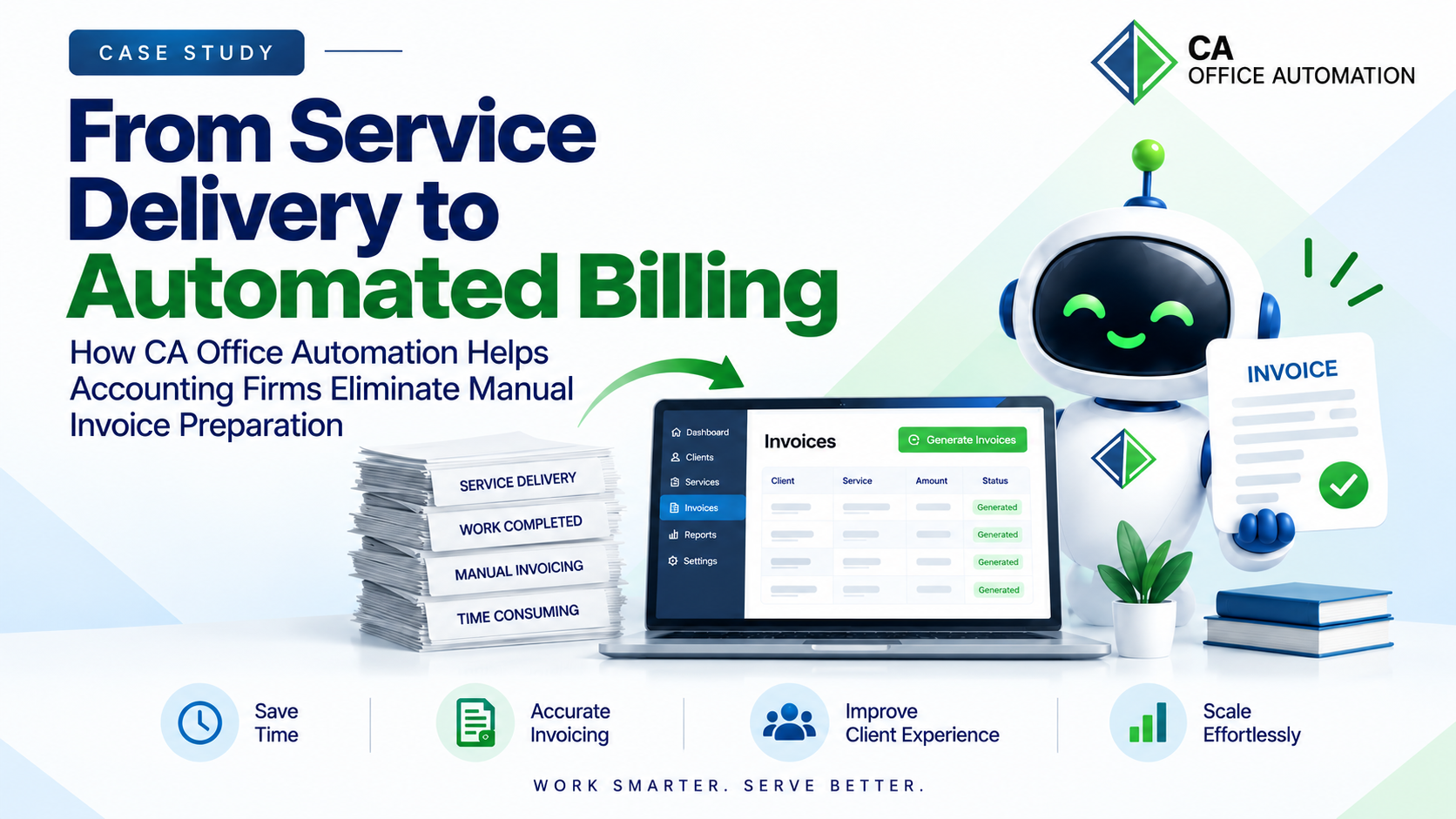
Accounting firms manage recurring services, project-based assignments, compliance work, advisory engagements, and numerous client tasks. While completing the work is the primary responsibility, ensuring that every completed service is billed accurately and on time can still require significant manual effort.
Invoices may depend on a task completion date, task status, billing frequency, company, tax configuration, or specific billing conditions. When these processes rely on manual intervention, firms can spend valuable time checking whether an invoice needs to be generated.
CA Office Automation changes this approach by connecting task completion and billing through automated invoice rules. Instead of asking employees to remember when an invoice should be created, firms can define the billing conditions once and allow the system to generate invoices automatically.
The Challenge: Work Completed, But Billing Still Requires Manual Action
In a traditional accounting practice, the billing process often looks like this:
Task Completed
Employee Remembers
Billing Team Checks
Invoice Prepared → Invoice Sent
For firms handling hundreds or thousands of client assignments, this creates several operational challenges:
Manual effort to identify billable work
Delays in invoice generation
Risk of missed billing
Repetitive checking of task status and dates
Difficulty managing recurring billing schedules
Increased possibility of billing inconsistencies
The challenge is not simply creating an invoice. The real challenge is connecting the firm's service delivery workflow with its billing process.
The CAOA Approach: Billing Triggered by Business Rules
CAOA Auto Invoice allows accounting firms to define when and under what conditions an invoice should be generated. Once configured, the system automatically generates a Proforma Invoice or Invoice according to predefined billing rules, frequencies, dates, and task conditions.
The workflow becomes:
Task / Date Condition Met
Billing Rule Triggered
Invoice Automatically Generated
This creates a direct connection between work management and billing. Employees can focus on completing client work while the system handles invoice generation according to the firm's defined rules.
Billing Based on Task Status
In many professional services workflows, billing is directly connected to the progress or completion of work. CAOA allows firms to define task statuses that trigger invoice generation — only tasks matching the configured status are considered for the automated billing process.
Example Configuration
Task Status: Completed
Invoice Generated
This creates a powerful connection between the entire service delivery chain:
Service Delivery
Task Status
Billing
Automated Billing During Task Approval
CAOA Auto Invoice can also be configured directly during task approval. The billing configuration can include invoice type, company, tax configuration, reverse charge, and bill amount. The system validates required billing information before the configuration is saved, helping maintain consistency in the billing process.
Invoice Type
Company
Tax Configuration
Reverse Charge
Bill Amount
Billing does not have to remain a separate administrative activity after work is completed. It can become part of the task approval and workflow process itself.
Flexible Tax and Invoice Configuration
Different clients, companies, and services may require different billing configurations. CAOA Auto Invoice supports full configuration across all key billing parameters:
Multiple Auto Invoice configurations can be maintained for clients or companies, with details such as billing frequency, start date, next invoice date, last generated date, invoice type, task status, and active status available for review.
Business Impact
Reduce manual billing effort
Generate invoices on time
Reduce the possibility of missed invoices
Automate recurring billing cycles
Connect billing with task completion
Improve billing consistency across engagements
Reduce repetitive administrative work
Maintain visibility into automated billing activity
The Bigger Idea: From Practice Management to Intelligent Practice Management
For a modern accounting firm, automation should not stop at recording what happened. A practice management platform should be able to respond to what happens.
When a task reaches a particular status, the next business action can begin. When a billing date arrives, the invoice can be generated. When a recurring service reaches its next billing cycle, the system can initiate the billing process.
A More Connected Operating Model
Work
Workflow
Billing
Record
Rather than treating billing as a separate administrative function, CAOA brings it into the firm's operational workflow.